
Anyone who is managing information, services, and teams knows how losing passwords is a waste of time. This includes endless reset emails and authentication that traps and frustrates many users. It is irritating both the employees and their IT teams. Good news! This day-to-day fight could come to a stop very soon!
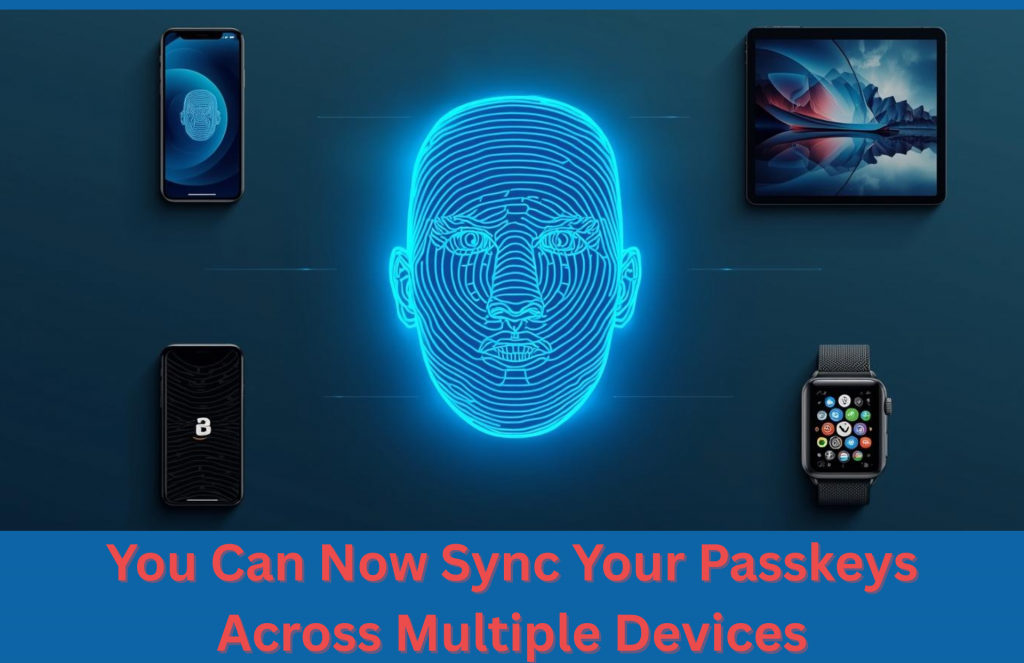
Managing Information, Services Now Easier with Passkeys Now Sync Across Your Devices
Managing information services has not become easier as you can now sync passkeys in Edge at Microsoft. This is done using your Microsoft Account and eliminates at least one significant drawback of passkeys. It makes reliable security convenient.
What Makes Passkeys Different in Managing Information Services
The use of passkeys eliminates the use of passwords. Experts in managing information services say that these provide fewer complex logins. It means, you do not type complicated characters. Instead, you confirm identity differently as you employ built-in device security programs. Such technologies are Face ID, fingerprint recognition, or even a secure PIN. This system is based on the FIDO2 standard that connects the login credentials to your device. Therefore, there are no passwords to crack. As a result, phishing attacks become ineffective since hackers are unable to obtain reusable credentials. This, therefore, mitigates big security risks.
The Old Limitation of Local Storage
Passkeys in the past were limited to use on a single device. Hence, it can be very inconvenient for those using multiple devices. Problems can come up in case your laptop breaks. The modernization of equipment has led to similar risks since account access is no longer available without appropriate backup. These scenarios are causing unnecessary stress. Therefore, providers managing information services and developers are now forced to provide a solution especially since users demanded flexibility uncompromisingly. Microsoft reacted with cloud syncing.
Secure Cloud Syncing Explained by Managing Information Services Professionals
Passkeys are now synced with the newest update of Edge. They are stored in the cloud, and as such, your Microsoft Account protects you. Having another PIN provides another layer of security and this process is done via Microsoft Password Manager. To enable this, you now sign in to any Windows 11 PC. The passkeys come automatically, and there are no lockouts or emergency resets. Making the experience safe and hassle-free. Moreover, Microsoft affirms that synced passkeys are encrypted. Hence, several security tiers can block unauthorized access. This makes Cloud storage as safe as local storage and is also more convenient.
Why This Matters for Productivity
Experts managing information services explain that less password enhances efficiency in the workplace. This is because it lessens the number of reset requests. As a result, it also decreased the frequency of opening an IT support ticket. Additionally, with this, there is also a boost in security. It makes reusing weak passwords obsolete, hence limiting the pathways for phishing risks. Moreover, employees do not need to remember as many credentials which save time and prevent frustration.
Passkeys, however, are currently implemented in Windows 11. Mac and mobile support are still on the way. When Edge gives the option of Save as passkey, accept it. It is a little step into better security and streamlined work.
Do you need to know more about this?
Call us today!
Tech Insights From EB Solution
Watch Our Latest Tech Videos From EB Solution

Get A Free Immediate Quote For IT Services
From EB Solution Today.
Why choose EB Solution:
- Around-the-clock IT services
- Expert technology professionals
- Single source for all your IT
- Reliable data backup solutions
- Certified cybersecurity experts
Ready to make the move to EB Solution?
Fill out the form to the right to get your free immediate quote.