
If asked which Windows app matters most during your workday, everyone will probably give a different answer. However, for Microsoft, Copilot seems to be the one who deserves the top position. This is evident in their marketing where it refers to Copilot as Windows 11’s productivity leader. In this regard, it seems like File Explorer appears lower on Microsoft’s list. Moreover, Microsoft To Do also sits behind Copilot. Even the dependable Snipping Tool loses out. Well, that’s a bold statement! So, a Toronto IT consultant checks the details and dissects facts to see if Copilot deserves the hype that Microsoft is fanning their consumers.
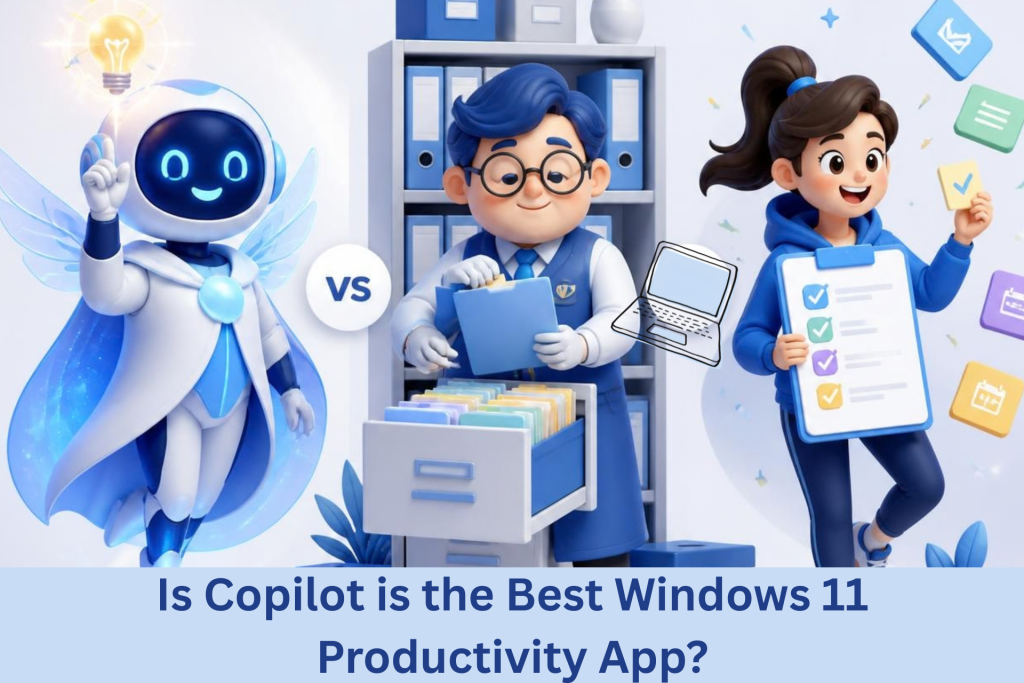
Toronto IT Consultant Dissect If Copilot is the Best Windows 11 Productivity App
Why Microsoft Is Betting on Copilot
Microsoft is heavily promoting AI-powered computers. As such, Copilot is a key element of that approach. In this setup, the assistant sits directly within Windows. It helps users think, organize, and complete tasks. Moreover, its capabilities cover several common workplace activities. For example, Copilot is able to summarize lengthy email conversations. It can also organize rough notes into checklists as well as draft messages quickly for its users. Lastly, it can also help clarify project ideas. All these features can genuinely save time, noted by a Toronto IT consultant. As such, long email threads become easier to understand, and disorganized thoughts can become structured plans faster.
Everyday Tools Still Carry the Workload
A Toronto IT consultant however cautions about calling Copilot number one since it feels debatable. This is because most businesses are still using more basic tools. So, File Explorer remains essential throughout the working day. Additionally, employees use it for locating client documents as well as transfer files and arrange significant folders. It is also notable that these simple tasks are performed on a regular basis by a lot of workplace staff.
In the same vein, Microsoft To Do supports daily task management, stressed a Toronto IT consultant. For instance, the Snipping Tool makes sharing information simple. Although both apps do not sound very exciting, they remain deeply connected with everyday work. More importantly, they quietly handle tasks employees repeatedly depend upon.
Copilot Plays a Different Role
A Toronto IT consultant, however, stresses that Copilot works differently from those traditional applications. It should be considered to be more like a workplace assistant than just a tool. This is because it helps people process information faster. Furthermore, it can also support writing and planning. On the other hand, it cannot take the place of critical Windows systems. These are the core applications that still handle daily operations. In this regard, you can say that Copilot simply works alongside them. Because of this, it can be said that Microsoft’s ranking may reflect its wider AI strategy. This is because the company wants AI to be associated with future productivity. Hence, putting Copilot first supports that message.
Focus On Your Real Productivity Problems
Given this, a Toronto IT consultant explains that business owners should ask a different question. Instead of asking what tool to use, it should be directed toward identifying what is the team losing time on? This is because Copilot could support groups that are, for example, continuously engaging in writing. It can also speed up summarizing and planning tasks. These improvements will lead to meaningful productivity gains. Despite this, however, it must be remembered that AI technology can’t solve all workplace issues. This includes the lack of well-organized files that still require improved processes. This results in a less confusing workflow, which, in turn, needs more systems. Hence, repetitive manual tasks may need proper automation.
The Best Tool Solves Real Problems
A Toronto IT consultant points out that although AI is becoming normal within everyday work, and the development can be beneficial in many ways, marketing shouldn’t be the measure of workplace productivity. This is because every business operates uniquely from each other. Instead, the biggest challenges should guide technology choices. The best application might not necessarily look impressive but can solve recurring problems. So, choose tools that remove your team’s biggest daily headaches.
Does your team need help in figuring your system out? We can help out with that!
Call us today!
Tech Insights From EB Solution
Watch Our Latest Tech Videos From EB Solution

Get A Free Immediate Quote For IT Services
From EB Solution Today.
Why choose EB Solution:
- Around-the-clock IT services
- Expert technology professionals
- Single source for all your IT
- Reliable data backup solutions
- Certified cybersecurity experts
Ready to make the move to EB Solution?
Fill out the form to the right to get your free immediate quote.