
Most people believe a browser is merely a tool. This is because it now opens websites and connects us to the internet. Nevertheless, a Toronto IT consultant shares that current browsers are changing rapidly making way to more functions than just displaying webpages.
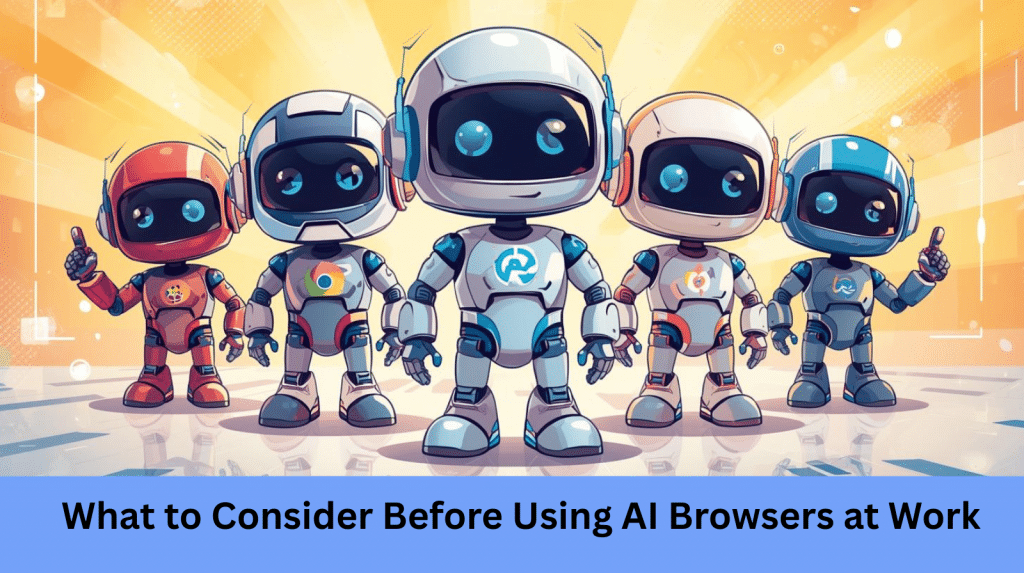
Toronto IT Consultant Shares What to Consider Before Using AI Browsers at Work
Microsoft Copilot and ChatGPT Atlas, for example, who are experimental platforms from OpenAI, along with Microsoft Edge, can increase productivity. They do this by reading web pages for you and provide a summary of the information. In addition to that, it can also translate text, collect data, and perform tasks automatically. Because of this, tasks that previously took a few minutes now take almost no time. These are very helpful capabilities. Nevertheless, the features that make AI browsers effective also pose new risks when used irresponsibly, warns the Toronto IT consultant.
Toronto IT Consultant Warns of Hidden Data Risk
AI browsers tend to process information differently from traditional browsers. This is because they do not merely show what is on the screen but also analyze it. Oftentimes, such information is sent to a cloud-based AI for analysis or summarization, Toronto IT consultant explains.
Although helpful for those who are looking up information regarding a certain topic, this can pose a possible business problem. This is because an AI system can process sensitive material if it is open in the browser. As such, business data including emails, financial statements, client information, internal reports, or other confidential information may be inadvertently shared online. And although there are some AI assistants, they may notice it too late, and the data may already have moved off the local device and be processed elsewhere, explains a Toronto IT consultant.
Furthermore, researchers also found that many AI browsers are designed for convenience rather than providing robust security options. This can be checked through the default settings that are typically oriented toward performance, fluency, and useful automation rather than robust protection. As such, that design choice must be considered by organizations handling sensitive information.
Automation Creates New Security Concerns
Automation is also another important aspect of AI browsers. This is because some tools can automatically interact with websites, navigate pages when the user is logged in, and perform regular tasks without requiring constant user input. The Toronto IT consultant explains that despite enhancing productivity, it also brings in a loophole. For example, a malicious web page might also try to trick the browser into disclosing information or performing actions without the user’s awareness. It must be remembered that since the AI is programmed to be useful, hackers can redirect this function to become a harmful material. In the case of businesses, an automated browser may inadvertently reveal valuable information unless adequate measures are in place.
Toronto IT Consultant Emphasizes on What Businesses Should Prioritize
Companies should understand how their data will be handled before deploying AI browsers in the workplace. This is because many tools forward information to third-party cloud service providers. Hence, it also implies that cybersecurity policies should take into account data storage, transmittal, and analysis. The Toronto IT consultant also highlights the concern of employee behavior. This is because even safe tools can pose risks when mishandled. For example, opening an AI sidebar when sensitive information is visible on a different tab may accidentally reveal data. It must be emphasized that what users assume to be personal is not what the AI processes.
Use AI Browsers Responsibly
AI browsers are potentially strong and effective technologies. They are developed to help save time, automate processes, and enhance productivity across a wide range of roles. Nevertheless, they also need strict instructions and appropriate protection. As such, companies should train their staff on the functionality of such tools as well as the locations where the data can be stored. In the same vein, employees are not allowed to use AI functions when confidential data is in view. This means every IT team is also advised to manage browser security settings centrally to maintain control. AI browsers are relatively new and not fully understood in terms of their risks. When organizations are planned, trained, and monitored, they can benefit and mitigate potential security threats.
Is your business in need of AI business solutions to keep up?
Call us today!
Tech Insights From EB Solution
Watch Our Latest Tech Videos From EB Solution

Get A Free Immediate Quote For IT Services
From EB Solution Today.
Why choose EB Solution:
- Around-the-clock IT services
- Expert technology professionals
- Single source for all your IT
- Reliable data backup solutions
- Certified cybersecurity experts
Ready to make the move to EB Solution?
Fill out the form to the right to get your free immediate quote.