
Microsoft stopped supporting Windows 10 on October 14, 2025 — and if your business is still running it, plenty across the GTA are, your computers stopped getting security updates that day. Everything still switches on and works exactly as before, which is precisely why it’s so easy to leave alone. The catch is quiet but real: every new flaw found in Windows 10 from here on will never be patched, and those holes just keep accumulating.
So what does that actually mean for your business, and what should you do about it? There are three paths, and most Toronto businesses end up mixing them across their fleet. Let’s start with what you’re dealing with.
What “end of support” really means
When Microsoft ends support for a Windows version, the updates stop — including the monthly security patches that fix newly discovered flaws. Microsoft has confirmed that since October 14, 2025, Windows 10 gets no more security fixes, quality updates, feature updates, or technical support.
Your PCs don’t shut off. Nothing switches off the moment support ends. What changed is that Microsoft has stopped fixing Windows 10’s security flaws — while attackers and researchers keep finding new ones. Every new hole that turns up is now a permanent way in.
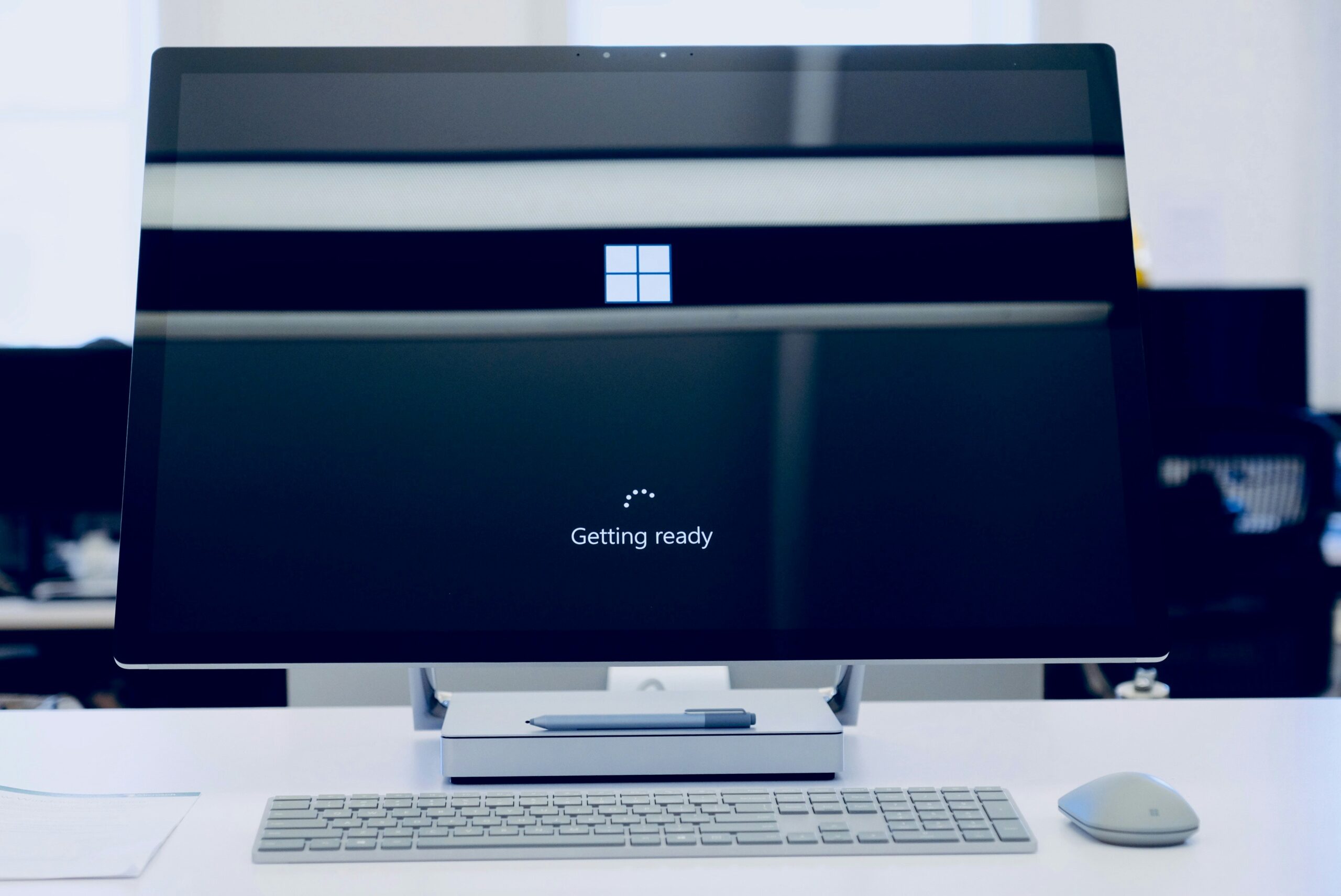
Why this is a genuine business risk, not just an old slow PC
- It’s an easy target. Attackers deliberately hunt for machines running software that no longer gets fixed, because they know the flaws will simply sit there. The UK’s National Cyber Security Centre notes that holes in unsupported products stay exploitable — often by fairly low-skilled attackers.
- It can put you out of compliance. If you handle card payments, health records, or personal data, standards like PCI DSS and Ontario’s privacy obligations under PIPEDA/PHIPA expect supported, patched software. An unsupported OS can quietly push you offside.
- It can hit your cyber insurance. Insurers increasingly ask whether your systems are supported and patched. Running an unsupported operating system can raise your premium, shrink your coverage, or hand the insurer a reason to contest a claim.
- Your other software will drop it. Over time, browsers, accounting tools, and line-of-business apps stop supporting Windows 10 — so the programs you rely on daily can stop updating, or stop working.
CISA puts running supported, updated software on its short list of basic business security steps.
Your three options
1. Upgrade to Windows 11 (free, if the hardware qualifies). If you bought the PC in the last few years, the upgrade is free and usually the right move. The catch is hardware — Windows 11 needs a supported processor, TPM 2.0, and Secure Boot, which rules out a lot of older machines. Microsoft’s free PC Health Check app tells you whether a given PC qualifies.
2. Buy Extended Security Updates as a bridge. If a PC can’t move to Windows 11 yet, Microsoft sells Extended Security Updates (ESU) to keep patches coming a while longer. For businesses that’s US$61 per device for the first year, doubling each year after, up to three years — roughly $427 per device over the full stretch. ESU delivers security patches and nothing else: no new features, no real support. It buys time while you sort out the upgrade or a replacement.
3. Replace the machine. Some PCs are simply too old for Windows 11 and not worth paying escalating ESU fees on year after year. For those, a new Windows 11 machine usually works out cheaper once you total the ESU fees plus the cost of nursing aging hardware.
How to plan the move
You don’t have to do it all at once, but you do need a plan. A sensible order: list every computer still on Windows 10; check which can move to Windows 11 (PC Health Check or your IT provider); upgrade the ones that qualify — it’s free and keeps your files and programs in place; and for the rest, choose ESU to buy time or replacement based on age and use. Your IT provider can run that inventory quickly and give you the best call per machine.
Frequently asked questions
Is Windows 10 still safe to use after October 2025?
It still works, but it’s no longer getting security updates, so risk creeps up as new flaws are found and left unpatched. If you’re keeping it for now, either enrol in ESU or plan your Windows 11 move.
What happens if I keep using Windows 10 and do nothing?
Your PCs keep running, but they become an easier target, can put you offside on payment and privacy rules, and may cause cyber-insurance problems — and over time the apps you depend on will drop Windows 10 too.
How much does Windows 10 ESU cost for a business?
US$61 per device for year one, doubling each year after, up to three years — about $427 per device total. (Home users get a cheaper consumer option.)
Can my PC upgrade to Windows 11 for free?
If it meets the hardware requirements — supported processor, TPM 2.0, Secure Boot — yes. PC Health Check confirms per machine, and PCs from the last few years usually qualify.
Should I just buy a new computer?
If a PC can’t run Windows 11, a new one is often cheaper than years of escalating ESU fees on aging hardware. If it can upgrade, start with the free Windows 11 upgrade.
If you’d rather not work through the fleet yourself, our managed IT services in Toronto cover the inventory and upgrade planning, and our cybersecurity team can show you what the unpatched security holes actually expose in the meantime.
Prepared by the EB Solution team — managed IT services for businesses across the Greater Toronto Area. Not sure which of your machines can move to Windows 11? We’ll run the inventory and give you a straight answer per PC.
Tech Insights From EB Solution
Watch Our Latest Tech Videos From EB Solution

Get A Free Immediate Quote For IT Services
From EB Solution Today.
Why choose EB Solution:
- Around-the-clock IT services
- Expert technology professionals
- Single source for all your IT
- Reliable data backup solutions
- Certified cybersecurity experts
Ready to make the move to EB Solution?
Fill out the form to the right to get your free immediate quote.